Coolify vs Dokploy (2026): features, pricing and which one to pick
Comparison · · 7 min read
Short answer: Coolify is the safer default. It is stable, fully open source and supports the most Git providers. Pick Dokploy if you want Docker Swarm clustering and dedicated build servers out of the box. Both are free to self-host and both deploy Git repos and Docker Compose files to your own servers. SecuryBlack is a third option, still in beta, if you would rather not host a panel at all and want the server itself kept patched, audited and backed up.
We build SecuryBlack, so read its column with that in mind. The Coolify and Dokploy facts below come from their own docs, GitHub releases and pricing pages, checked at the end of October 2026. This is not a performance benchmark.
Coolify vs Dokploy vs SecuryBlack at a glance
| Coolify | Dokploy | SecuryBlack | |
|---|---|---|---|
| What you host | The Coolify panel and your servers (Coolify Cloud can host the panel) | The Dokploy panel and your servers (Dokploy Cloud can host the panel) | Your servers and a small agent. The panel is hosted by SecuryBlack |
| Licence | Apache 2.0, every feature included | Apache 2.0, except proprietary/ code (SSO, audit logs, custom roles) that needs a paid licence in production |
Agents open source, panel closed source |
| Orchestration | Docker and Docker Compose. Swarm is experimental, deprecated and goes away in v5 | Docker Compose or Swarm stacks. The installer sets up Docker Swarm | Containers built from your GitHub repo on your VPS |
| Multi-server | Yes: the same app on standalone servers behind your own load balancer | Yes: remote servers, dedicated build servers and Swarm clusters (needs a registry) | Several servers, one agent each. No clustering |
| Git deploys and previews | GitHub, GitLab, Bitbucket, Gitea. PR previews, most complete with a GitHub App | GitHub, GitLab, Bitbucket, Gitea, plain Git. PR previews documented for GitHub | GitHub only (beta). No preview deployments |
| One-click templates | 300+ | 500+ | A handful |
| Databases and backups | Scheduled DB backups to S3 (PostgreSQL, MySQL, MariaDB, MongoDB, ClickHouse, SQLite) and volume backups | Scheduled DB backups to S3, named-volume backups, restore from S3 | Encrypted backups with restore and alerts |
| Server security | Weekly OS update check, you apply patches from the panel. SSH, firewall and ports stay your job | Checks UFW, SSH and Fail2Ban on remote servers and recommends changes | Security audit with the exact command for each fix, plus one-click hardening that you confirm |
| Monitoring and alerts | CPU and memory per server and container, disk-usage warnings. Threshold alerts and outside uptime checks need other tools | Basic monitoring when self-hosted. CPU and memory threshold alerts are a Cloud feature | Uptime monitors, heartbeats and server metrics (OxiPulse) with alerts |
| Price (as of November 2026) | Self-hosted free. Cloud $5/month for 2 servers, +$3 per extra server | Self-hosted free. Cloud from $4.50/month per server, Startup from $15/month | Free during the beta |
| Maturity | v4.5.3 (October 2026). Stable since v4.0.0 in April 2026; v5 in progress | v0.30.10 (October 2026), still versioned 0.x | Beta |
| Minimum server for the panel | 2 cores, 2 GB RAM, 10 GB disk | 2 GB RAM, 30 GB disk | No panel on your server. The OxiPulse agent measured 11.4 MB RSS |
Coolify: the mature, fully open default
Coolify left its long beta with v4.0.0 on 27 April 2026 and ships often: v4.5.3 came out on 28 October. With over 65,000 GitHub stars, most problems you hit already have a thread somewhere. v5 is in progress, and the team says v4 stays supported.
Self-hosting is free with every feature, under Apache 2.0. Coolify Cloud only hosts the dashboard: $5/month connects two of your servers and each extra one costs $3/month, as of November 2026 (20% off if you pay yearly).
What it does well:
- PR preview deployments from GitHub, GitLab, Bitbucket and Gitea. GitHub through a GitHub App gets the fullest support.
- Scheduled database backups for PostgreSQL, MySQL, MariaDB, MongoDB, ClickHouse and SQLite to S3-compatible storage, plus volume backups since v4.3.
- Server patching: a weekly OS update check, and you choose which packages to install from the panel.
- 300+ one-click services.
Where it falls short:
- Multi-server means the same app on standalone servers behind a load balancer you run. Swarm support is deprecated and will be removed in v5.
- Monitoring charts CPU and memory and warns on disk usage, but the docs point you to external tools for threshold alerts and outside uptime checks.
- The panel is one more app to patch. In October 2026 the PHP2Shell advisory (CVE-2026-109618 and CVE-2026-109619) affected every unpatched v4 line. Coolify shipped fixes for each line and Cloud was already patched, but self-hosters had to update by hand.
Dokploy: Swarm and build servers built in
Dokploy is built around Docker Swarm. The installer initialises Swarm, and a Compose file can deploy as plain Docker Compose or as a Swarm stack (stacks can't use build). Once a registry is configured, you can add worker and manager nodes from the UI. Remote servers work as deployment or build servers, so builds don't eat the RAM of the box serving traffic.
Other strengths: 500+ templates, S3 backups for databases and named volumes with restore, and a security check for remote servers that validates UFW, SSH and Fail2Ban settings and recommends changes.
Read the licence carefully. On 21 January 2026 Dokploy moved its existing code to unmodified Apache 2.0; before that it used an adapted version. New paid features live in proprietary/ directories under a source-available licence that requires a paid agreement for production use. SSO, audit logs, custom roles and whitelabeling sit there. Dokploy has said it won't move existing open features to the paid side.
Self-hosting is free, with basic monitoring. CPU and memory threshold alerts are documented as a Cloud feature. Dokploy Cloud hosts the control plane while your apps stay on your servers. As of November 2026, Hobby costs $4.50/month per server, with one user and capped backups. Startup starts at $15/month with three servers, unlimited users and basic roles. Enterprise is on request.
v0.30.10 shipped on 22 October 2026. Dokploy is still versioned 0.x and moves fast, so read the release notes before you update. PR previews are documented for GitHub apps.
Where SecuryBlack fits
Coolify and Dokploy get your app deployed. SecuryBlack deploys it too, then keeps the server underneath patched, audited and backed up. And its panel isn't one more thing you have to host and update.
You connect GitHub and deploy to your own VPS (beta), or launch a one-click template. The security audit gives every finding with the exact command that fixes it, and one-click hardening applies a fix only after you confirm it. Backups are encrypted, with restore and alerts. Uptime monitors, heartbeats for cron jobs and server metrics from OxiPulse cover the rest. OxiPulse is an open-source Rust agent we measured at 11.4 MB RSS.
The downsides, plainly: it's a beta, younger and less complete as a deploy tool than either Coolify or Dokploy. GitHub only, no preview deployments, a handful of templates instead of hundreds, no clustering. The agents are open source, but the panel isn't, and we host it. That rules SecuryBlack out if you want every piece on your own box.
You can also mix them: keep Coolify or Dokploy for deploys and add SecuryBlack's agents for audit, backups and monitoring on the same VPS.
When to choose each
Choose Coolify if you want a stable release, every feature free under Apache 2.0, previews on GitLab, Bitbucket or Gitea, or the biggest community to search when something breaks. On Cloud it's also cheaper from the second server on.
Choose Dokploy if you need clustering today: Swarm nodes, replicas, a separate build server. It also has the bigger template catalogue and the cheapest single-server Cloud plan.
Choose SecuryBlack if you deploy from GitHub to one or a few VPS, care more about the server being patched, audited and backed up than about clustering or previews, and are fine with a beta and a hosted panel.
If you're unsure, start with Coolify on a spare VPS.
Before you commit: two tests
Both panels list 2 GB of RAM as their minimum, and builds need headroom on top. Deploy an app that looks like your real one, then:
- Push a change and time the redeploy while you watch RAM on the server.
- Restore last night's database backup into a scratch database and point the app at it. Coolify's own docs recommend this before you rely on a backup.
See the panel before connecting a server
Already deploying with Coolify or Dokploy? Keep it, and check whether SecuryBlack's audit, backups and monitoring help you run that VPS. Starting fresh? You can deploy from GitHub with it directly.
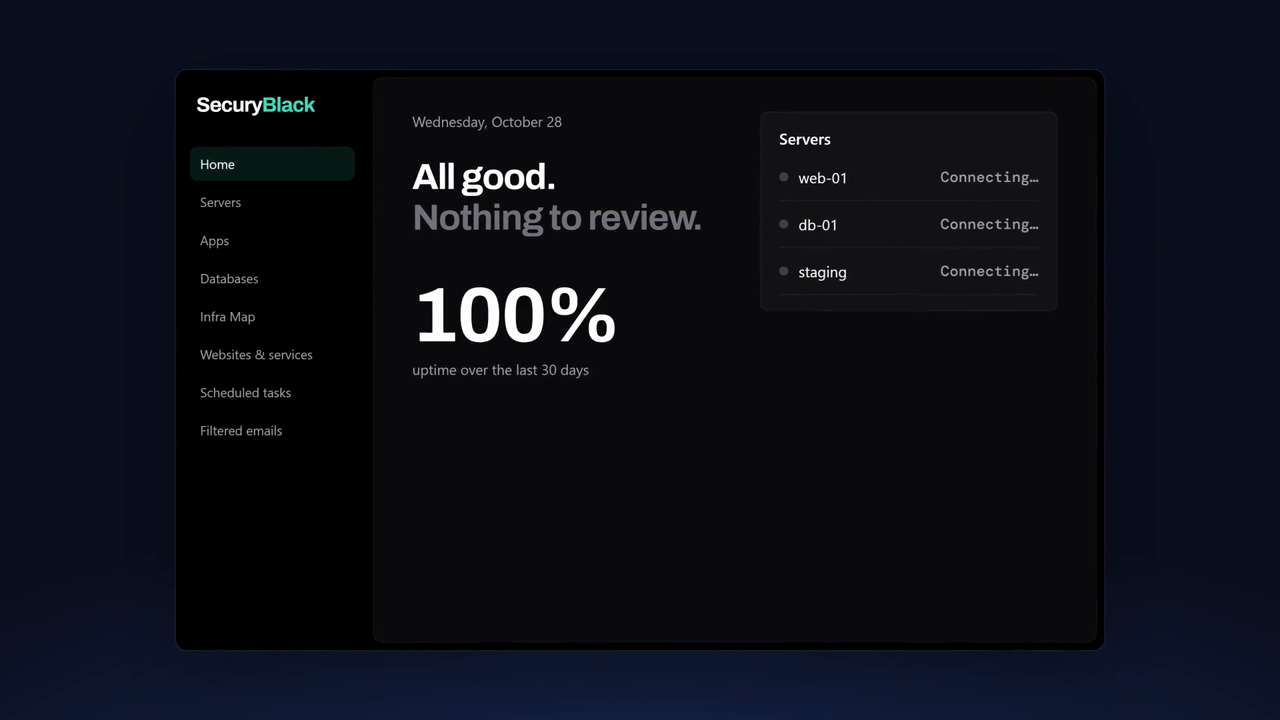
Watch the 30-second demo, create an account, or read the installation guide. Free during the beta.